Category: Code
-
Arc v2.3 is now available
Arc v2.3 is available for download. v2.3 comes with many enhancements requested by IBM Planning Analytics (TM1) developers from all around the world. To find out more about TM1 developers contributing to Arc, go to the Arc customers page.
-
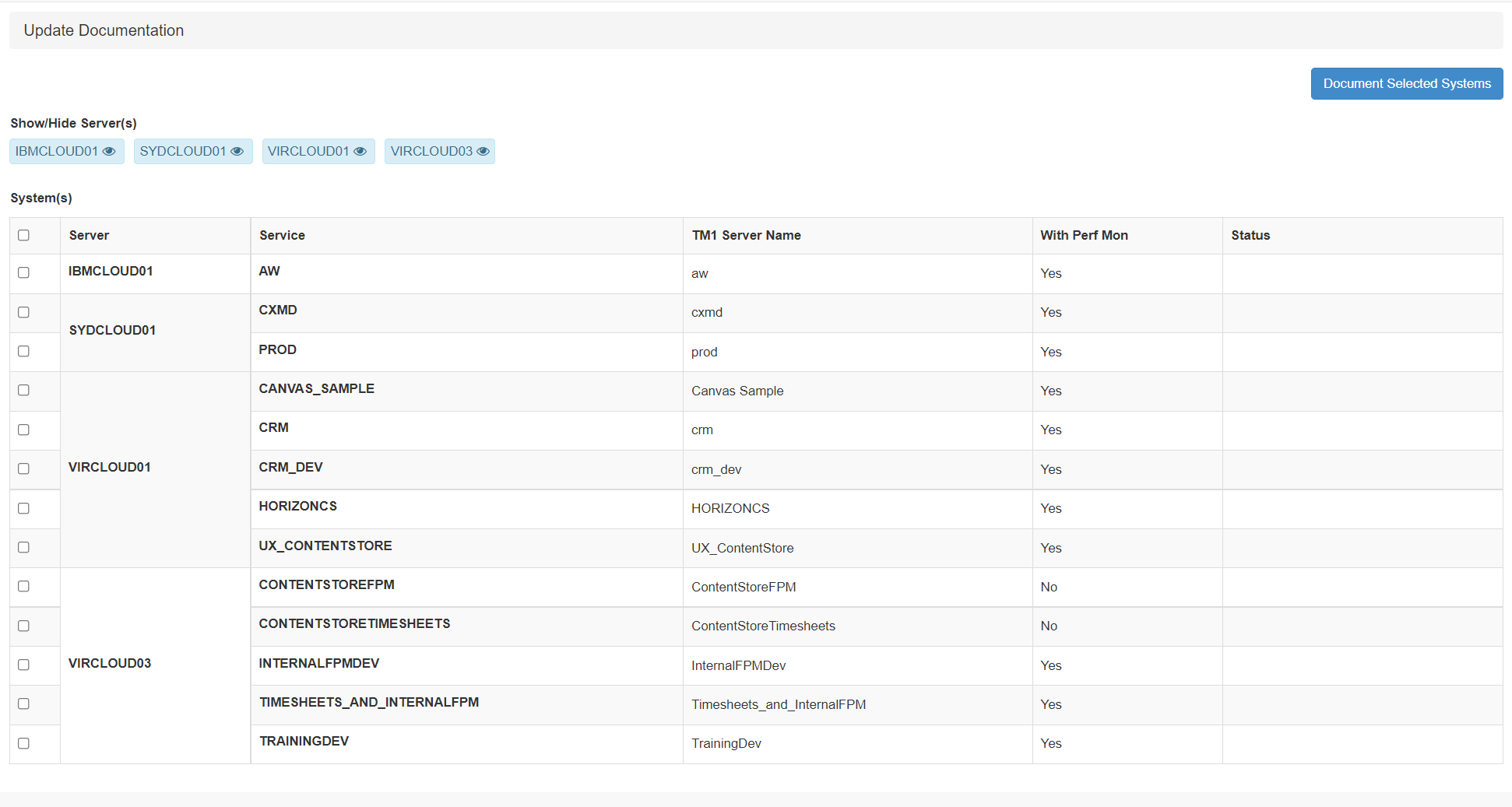
Troubleshooting Pulse documentation update
When setting up a new TM1 instance, it is important to execute the documentation. To execute the documentation, go to Administration > Update Documentation:
-
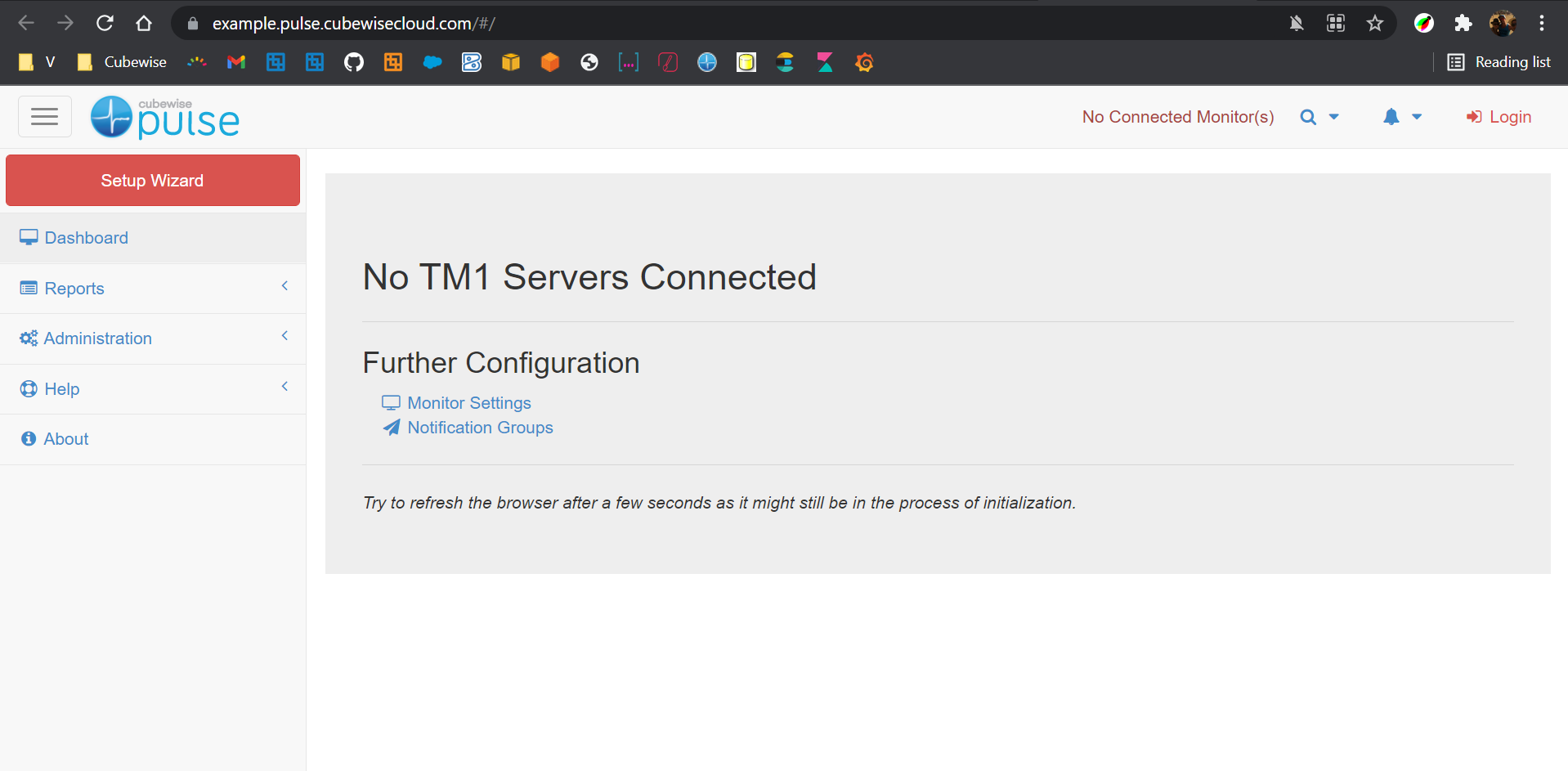
Getting started with Pulse on the Cubewise Cloud
This article gathers the steps that need to be completed when using Pulse on the Cubewise cloud monitoring IBM Planning Analytics SaaS:
-

Simplify MDX in TM1 with Arc and TM1py
MDX plays an even bigger role in the TM1 server since the release of IBM Planning Analytics (TM1 v11). Each time a view is refreshed or you open a subset, behind the scenes Planning Analytics for Excel (PAfE) or Planning Analytics Workspace (PAW) executes MDX queries.
-

What’s new in Pulse v6
This release is the most important release of Pulse since it’s creation in 2014. Pulse was optimized for the TM1 REST API, enabling one single application server to monitor many TM1 servers.
-
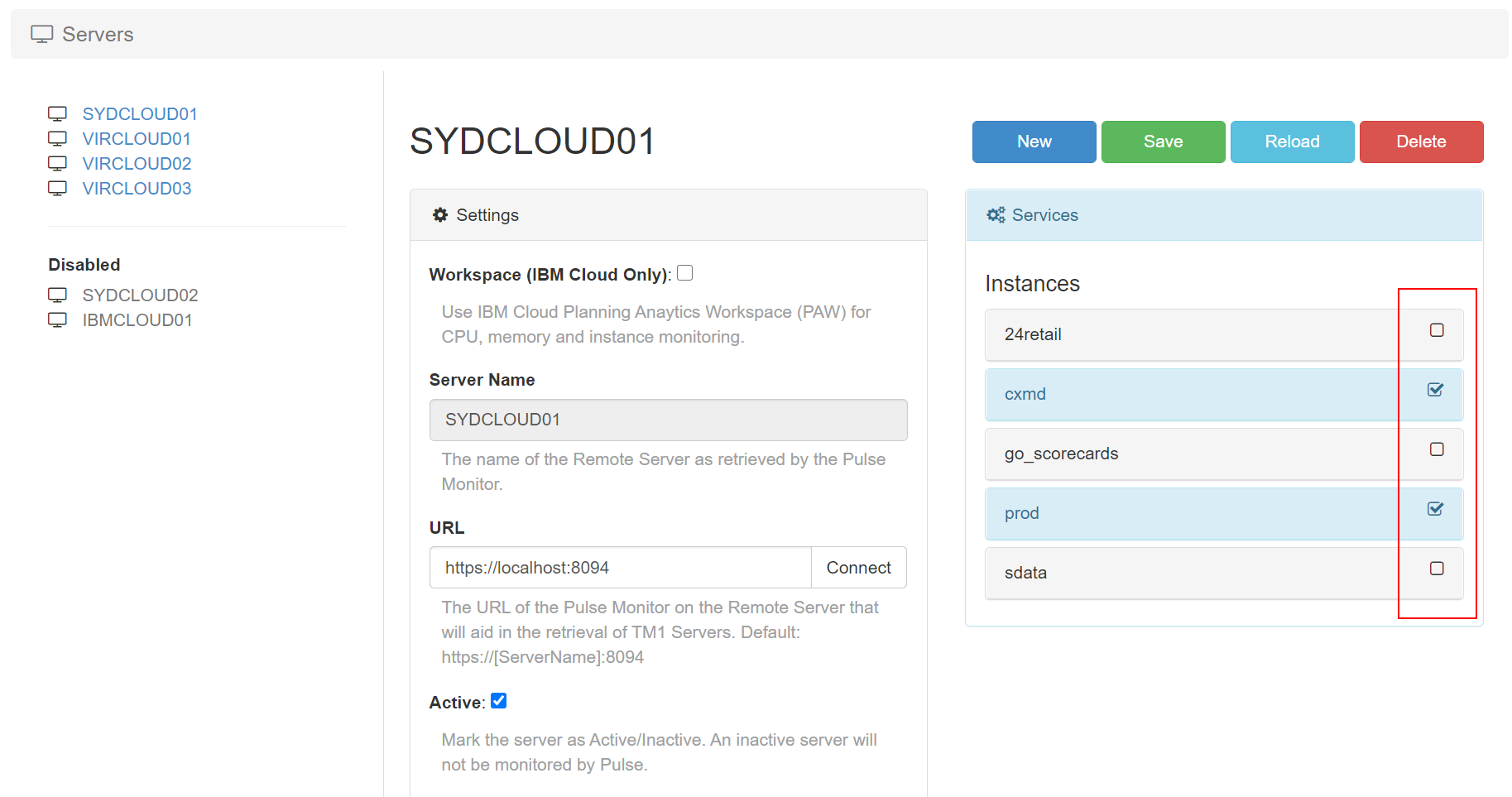
Choose which instance should be monitored by Pulse
Pulse v6.0.1 introduces a new Active flag per TM1 instance. By default all TM1 instances will be set to Active. Pulse monitors all TM1 instances with Active flag set to true.
-
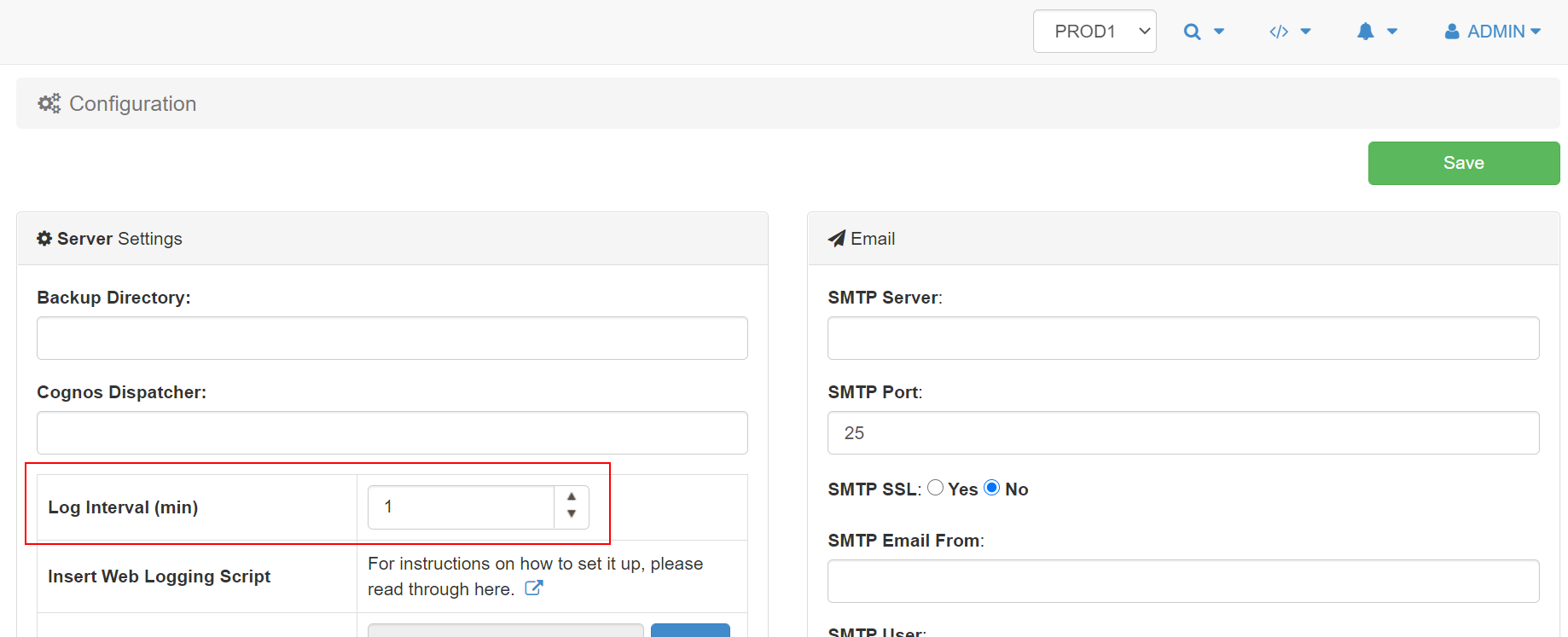
Set the maximum minutes of data cached in the browser
By default Pulse keeps 15 min of history in the browser to enable the playback feature from the Live Monitor page.
-
Using SSL with Arc for TM1
In the Arc configuration file (<Arc folder>settings.yml), the parameter UseSSL (false by default) enables Arc to run using https (UseSSL: true) or http (UseSSL: false).
-
How to authenticate to TM1 with TM1py
This article explains the different authentication method to TM1 with TM1py:
-
Save time testing TM1 security with impersonation
Setting the TM1 security data is a critical part of any IBM Planning Analytics project. TM1 gives developers a lot of flexibility in terms of security. If your TM1 applications have hundreds of TM1 users, testing the security is time-consuming. This article explains how the TM1 impersonation feature can save time when testing TM1 users’…